HyprSaver: Three Weeks of Manic Building a Screensaver for Hyprland
Remember when screensavers were actually fun? I’m talking about sitting in front of your parents’ computer as a kid, cycling through every single one in the Windows display settings just to watch the pipes build themselves or the maze render in real time. And then Windows XP dropped with Windows Media Player and those psychedelic music visualizers, and suddenly your desktop was a rave. Those were the days.
Fast forward to 2026 and I’m running Hyprland on Arch Linux (btw). I love my setup. hyprlock handles the lock screen, hypridle orchestrates the timeouts, everything is clean and composable and Unix-philosophy-correct. But there’s a glaring hole: no screensaver. Not a “dim the screen after 10 minutes” screensaver — a real screensaver. Fractals. Color. Movement. The kind of thing that makes you stop and watch for a minute before wiggling the mouse.
I looked. Nothing existed. So I built one. In Rust. As my first Rust project. What was supposed to be a fun weekend hack turned into a three-week obsession that produced 30 shaders, 23 color palettes, a GPU optimization audit, and more than a few moments of staring at a solid magenta screen wondering where my tunnel went.
Why Rust?
I’d never written a line of Rust before hyprsaver. But every Rust tool I’d used — ripgrep, fd, bat — had been rock solid. A screensaver felt like the perfect first project: self-contained, visual (instant gratification when things work), and it needs to be stable. You don’t want your screensaver segfaulting at 3am and leaving your monitors in a weird state.
The Architecture (briefly)
I evaluated five approaches. The winner: a standalone binary using wlr-layer-shell to render GPU-accelerated GLSL fragment shaders as fullscreen overlays. hypridle orchestrates the timeouts, hyprsaver handles the visuals, hyprlock handles the lock. Three tools, three concerns, Unix philosophy.
The engine is four layers: Wayland plumbing via smithay-client-toolkit, an OpenGL ES renderer via glow, a shader manager with Shadertoy-compatible uniform remapping and hot-reload, and a palette system that completely decouples color from math. That last part is the secret weapon — any of the 30 shaders works with any of the 23 palettes, which means the combinatorial space is enormous.
v0.1.0: First AUR Package
The scaffold went up with todo!() stubs in every module and five real GLSL shaders (Mandelbrot, Julia, plasma, tunnel, Voronoi). Then module-by-module implementation until hyprsaver actually rendered fractals on my dual monitors. Seeing yay -S hyprsaver install my own software for the first time was an unreasonable amount of dopamine.
I should have stopped there. I did not stop there.
The Spiral Begins
The day after v0.1.0 I shipped v0.2.0 with a realtime preview window, multi-monitor support, and a CI pipeline (should have done CI first, was too busy watching fractals). The preview window deserves special mention: it splits the EGL surface into a shader viewport on the left and an egui control panel on the right with dropdown selectors for every shader and palette. One click, instant hot-swap. This single feature accelerated everything that followed because I could iterate on shaders without launching the full screensaver every time.
v0.3.0 added six new shaders, playlists for shader and palette cycling, and configurable rotation timers. v0.4.0 added another six shaders, a palette pre-bake LUT system, and shader screenshot thumbnails in the preview dropdowns. Each release was supposed to be “the last one for a while.” Each release immediately spawned ideas for the next.
The GPU Optimization Audit
By v0.4.2 I had shaders in three GPU tiers: Lightweight (under 25%), Medium (25–50%), and Heavy (50%+). Seven shaders were pinned in Heavy, several hitting 70% utilization on my AMD HawkPoint GPU. That’s not acceptable for a screensaver — it shouldn’t melt your integrated graphics while you’re away from your desk.
v0.4.3 was a dedicated optimization sprint. The biggest lesson: per-pixel particle loops are the number one GPU killer. A shader that checks 100 stars or 50 network nodes per pixel is doing O(n) work on every single fragment. The fix is spatial lookup — divide the screen into grid cells and only check the few particles in nearby cells. Snowfall went from 57% to 32%. Network went from 70% to 43%. Starfield got a complete rewrite using a 20-layer zoom architecture inspired by Art of Code that dropped it from 70% to 43%.
Other hard-won lessons: GPU branches inside per-pixel loops add overhead on AMD’s RDNA architecture because SIMD wavefronts can’t skip work unless every lane in the wavefront agrees. Flattening if-chains to indexed arrays reduced instruction cache pressure. And deferring sqrt() calls by comparing squared distances instead — then calling sqrt once after the loop — was a consistent win everywhere.
All seven Heavy-tier shaders were promoted to Medium. The benchmark document is in the repo if you’re into that sort of thing.
The Wormhole Saga
Some shaders cooperate. The wormhole did not.
I wanted a curved fly-through tunnel — the kind of thing you’d see as a screensaver in a 90s sci-fi movie. My first ten attempts across two sprints tried to fake curvature in a 2D polar coordinate system. Every single one failed. The fundamental problem: in polar coordinates, angle_offset = f(depth, time) is purely radial. It cannot break circular ring symmetry. I bent the math in every direction. Rings stayed round.
Along the way I developed a debugging technique I now use on every shader: the magenta nuclear test. Set fragColor = vec4(1.0, 0.0, 1.0, 1.0) as the first line. If your screen goes magenta, the shader pipeline is working and the problem is your math. If it doesn’t go magenta, you’re not even running the shader you think you’re running (runtime loading was silently overriding my compiled-in version — that cost me an entire evening).
The breakthrough came in v0.4.4 when I finally accepted that 2D polar cannot produce real curved tunnels. I started from a Shadertoy reference that uses 3D raymarching with a TunnelCenter(z) sin-wave displacement per z-slice. Stripped out the textures, planets, lens flare, and reflections. Added palette integration and Bayer dithering. It works. It looks incredible. It only took three sprints.
Other Highlights from the Mania
The terminal shader went through six rounds of iteration to get the bitmap font rendering, scroll cadence, and character weight right. The choppy scroll was particularly tricky — real terminal output has bursty timing (long runs of fast output, brief pauses between build steps), not constant speed. Getting that rhythm right without any state (pure fragment shader, no framebuffer feedback) required analytically integrating a speed function over time.
The fire shader got rewritten so many times it was eventually deleted entirely and replaced with a new shader called “Flames.” The winning formula: single-layer domain-warped FBM with a fractal three-octave height boundary. One key debugging lesson — one-sided noise creates a visible brightness floor. If your noise only outputs positive values, everything has a bright baseline. Fix it with * 2.0 - 1.0 to center around zero.
The pride palette pack added seven new gradient palettes named after historical LGBTQ+ figures: achilles, sappho, marsha, cahun, mercury, frida, emily. Each one is colored from the stripes of its respective pride flag. The nonbinary palette is named “claude” — after Claude Cahun, the surrealist artist, and partly after the AI that helped me build all of this.
The preview window evolved from a simple shader display into a full development environment with shader screenshot thumbnails in every dropdown, compact gradient previews for palettes, a playlists editor with sub-tabs, and scroll wheel support in the menus (which required forwarding Wayland wl_pointer::axis events through to egui — more plumbing than you’d think).
Where It Stands
hyprsaver v0.4.4 ships with 30 built-in shaders and 23 palettes. The shader library spans fractals (Mandelbrot, Julia, FractalTrap), particle effects (Snowfall, Starfield, Network), raymarched geometry (Wormhole, Blob, Gridfly, Donut), organic simulations (Aurora, Flames, Clouds, Caustics), retro aesthetics (Matrix, Terminal, Oscilloscope), and abstract math art (Lissajous, Bezier, Kaleidoscope, Tesla, Marble). Playlists let you curate themed sets — there are built-in groups for Elements, Math, Nature, Psychedelic, Tech, and Pride.
It’s available on the AUR (yay -S hyprsaver) and crates.io (cargo install hyprsaver). Source at github.com/maravexa/hyprsaver.
Gallery
Every release I told myself “this time I’ll make the animated gifs for the README.” Every release I instead spent that time on a new shader or feature. The gif backlog became a running joke across my build threads. So for v0.4.4 I finally solved it the engineer way: I shipped an animated gif maker as a built-in subcommand. hyprsaver gif --shader aurora --palette frost renders the shader offscreen and spits out a gif. No more excuses — and now every user can generate their own favorite combo gifs too.
wormhole × sappho — The shader that took three sprints to build. Curved raymarched tunnel.
kaleidoscope × rainbow — Classic kaleidoscope in vibrant rainbow colors.
aurora × aurora — Domain-warped curtains of light in classic aurora colors.
flames × ember — Fractal fire licking upward with warm oranges and deep reds.
blob × achilles — A pulsing raymarched sphere with glowing veins, in blue and green colors.
starfield × monochrome — A classic hyperspace screensaver in monochrome.
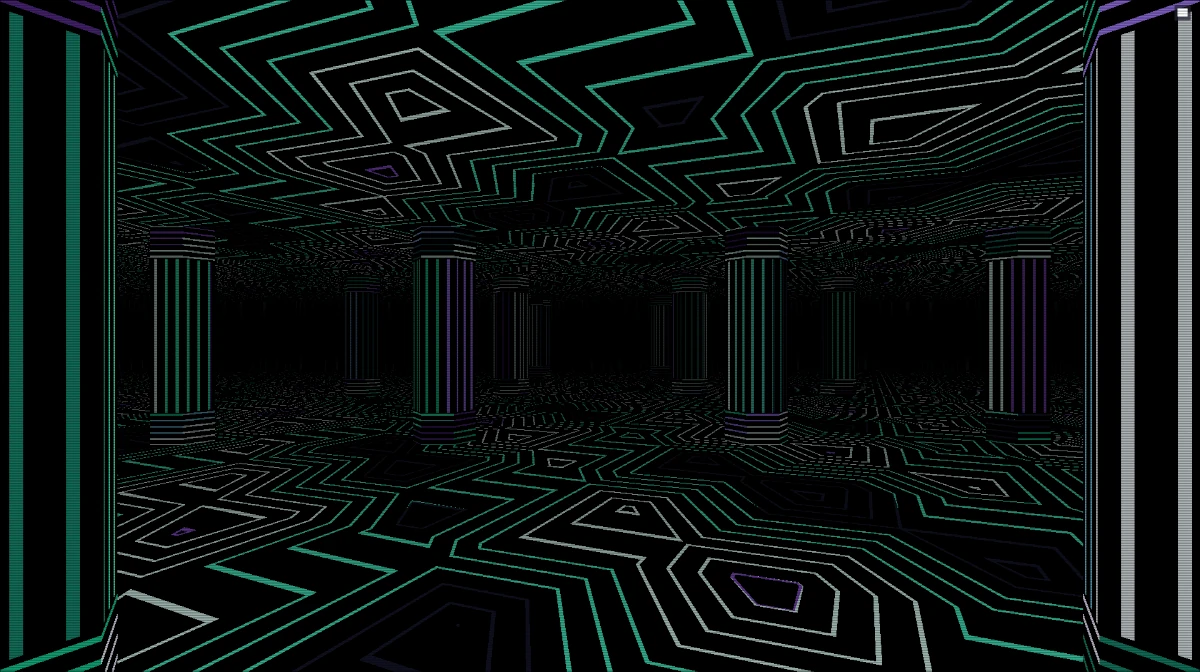
temple × vapor — A 90s geometric inspired endless temple in magenta and cyan.
oscilloscope × forest — Classic Oscilloscope display with vignette in green.
What’s Next
I have a cyberdeck build post in the works — hyprsaver was born partly because the cyberdeck needed pretty screensavers. That post is coming soon; I just need to stage everything for photos, which means powering down all the modes to photograph them individually. Stay tuned for that.
In the meantime, go install hyprsaver and tell me which shader/palette combo is your favorite. Custom shaders are just .frag files and custom palettes are a few lines of TOML. The Shadertoy compatibility shim means you can grab from thousands of existing shaders with minimal edits. PRs welcome — let’s build the screensaver library that Wayland deserves.